Mission:
Catch the kiss they almost missed.
One photographer can't be everywhere. Missao turns every wedding guest into a photographer — guided by the exact photos you ask for.
Wedding theme
Mission:
One photographer can't be everywhere. Missao turns every wedding guest into a photographer — guided by the exact photos you ask for.
Wedding theme
Mission:
A birthday lasts three seconds at the candles. With a mission, every guest is ready for it — and you keep the best frame, not a blur.
Birthday theme
Mission:
For sport and parties: set missions like “the scorer, the bench, the crowd.” The moments you'd never stage arrive on their own.
Party & sport theme
Mission:
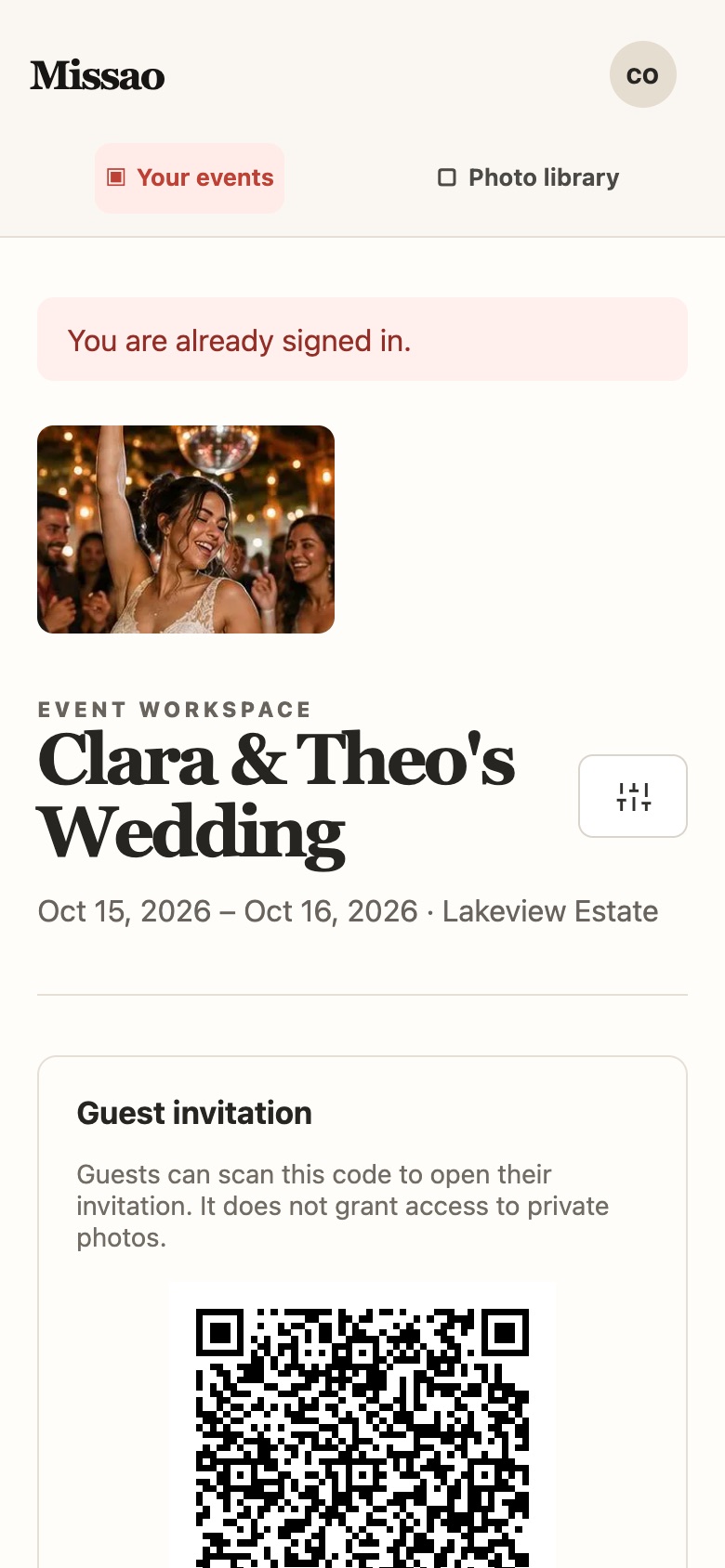
You write the missions, add prompts and reference photos, and share one QR code. Every upload lands organised by mission in your workspace.
Organiser workspace
Mission:
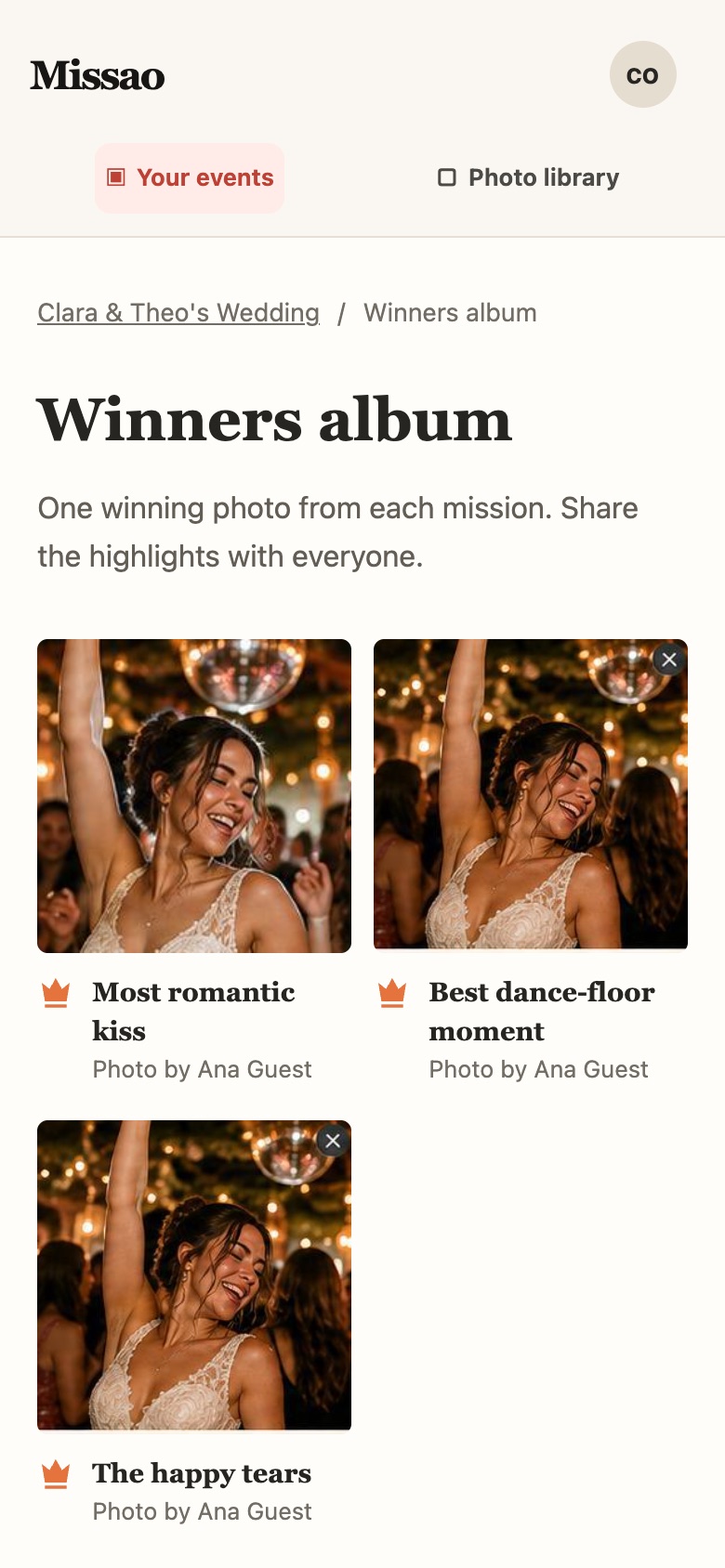
Pick one winner per mission and download a themed winners album. The event, finished properly.
Winners album
Keep scrolling — the mission changes. ↓
You plan the photos you actually want. Your guests take them. Everything lands in one place — no chasing messaging threads the week after.
Pick a theme, add the venue and dates, then write missions like “Grandma laughing” or “The winning goal” — each with a prompt and an optional reference photo.
Your control: mission order, reference images and wording are yours. Up to three photos per guest, per mission.
Print the themed QR sheet for the tables or share the guest link. Guests open it, create an account or sign in, and join your event.
No app-store download: Missao runs as a mobile-friendly PWA, straight from the QR link.
Photos arrive in your workspace by mission, with live recent uploads. Pick one winner per mission and download the finished winners album as a themed PDF.
The payoff: an album of the best shot of every moment — not 400 near-duplicates.
The guest welcome, mission list, print sheet and winners album all inherit your event theme. These are the same palettes the app uses.
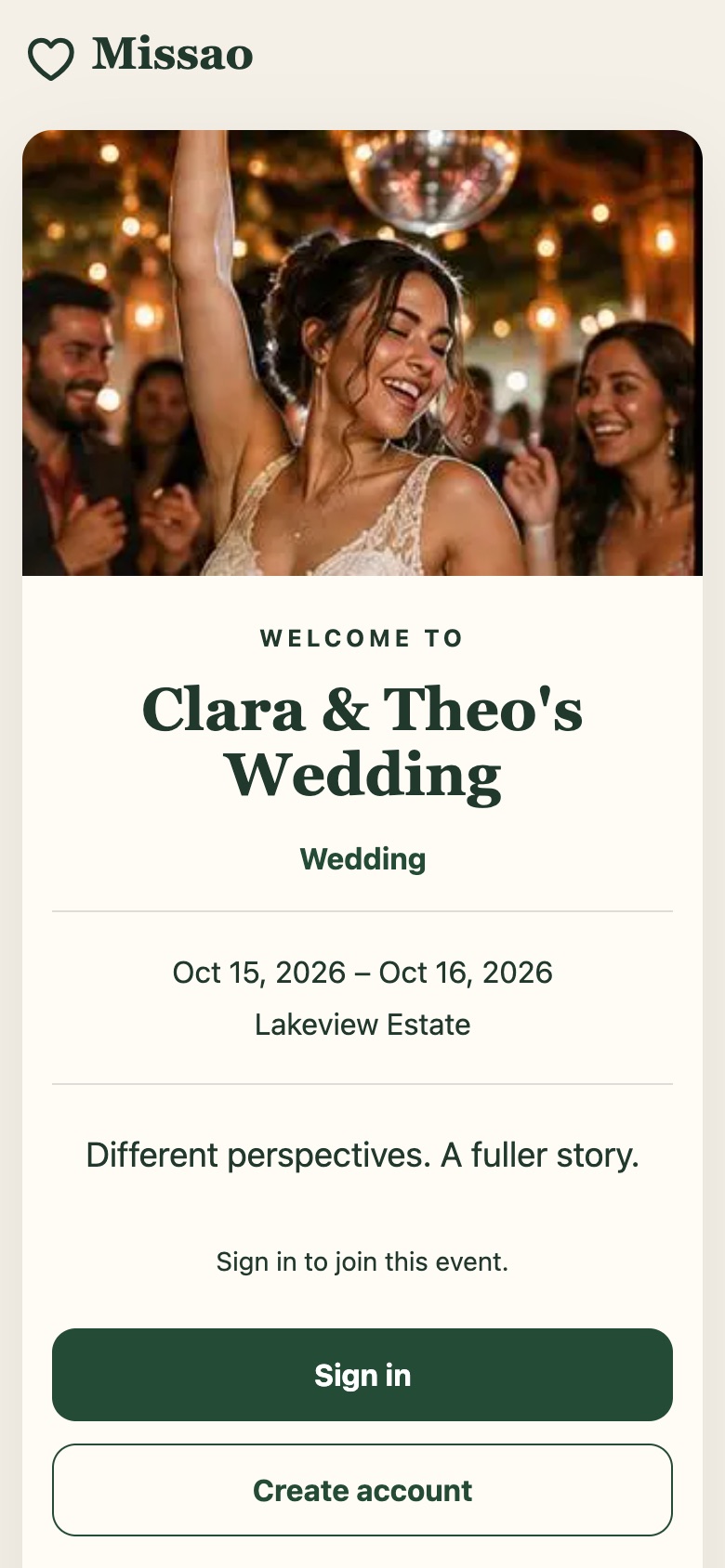
An elegant welcome, calm greens, and missions that read like a shot list for the day.
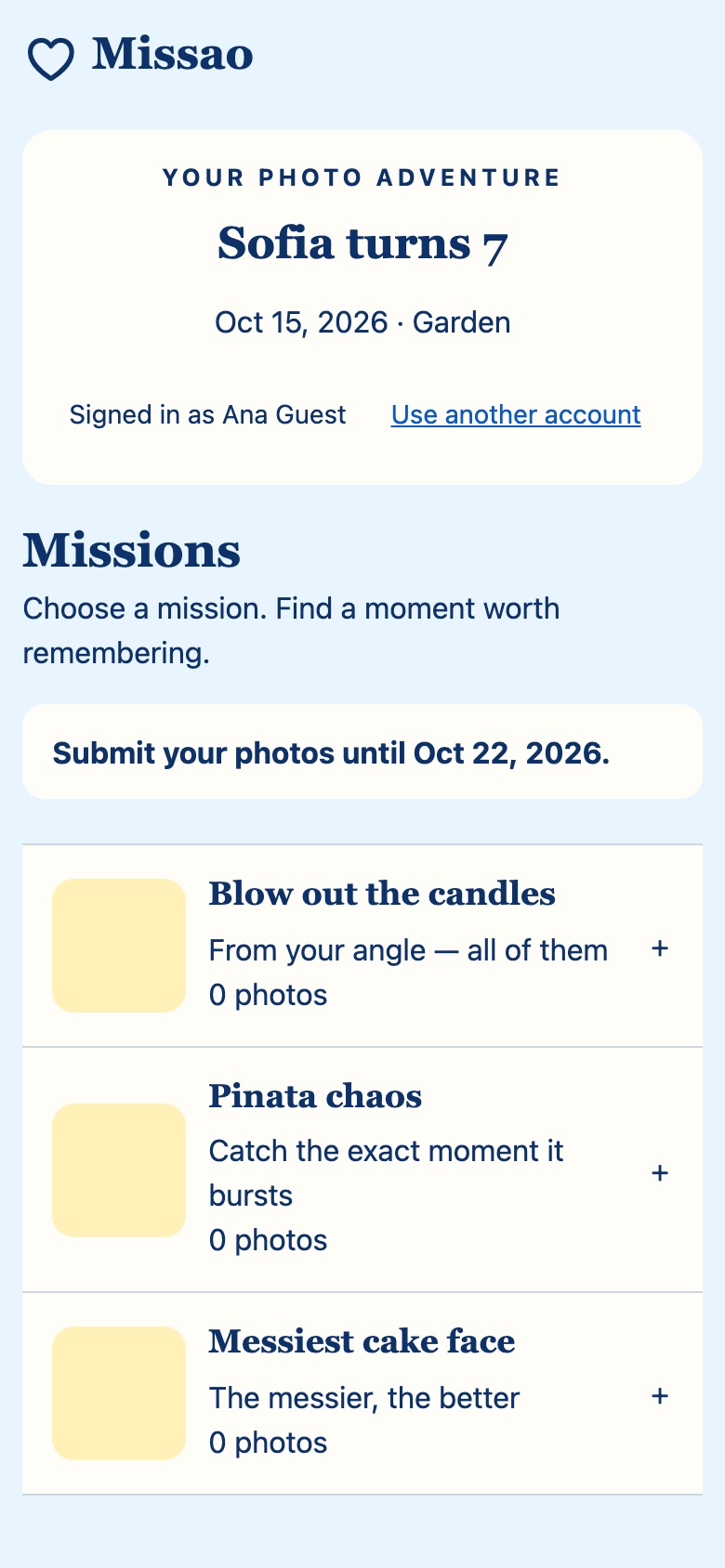
Bright sky blue, sunny winner highlights, and missions built for chaos and cake.
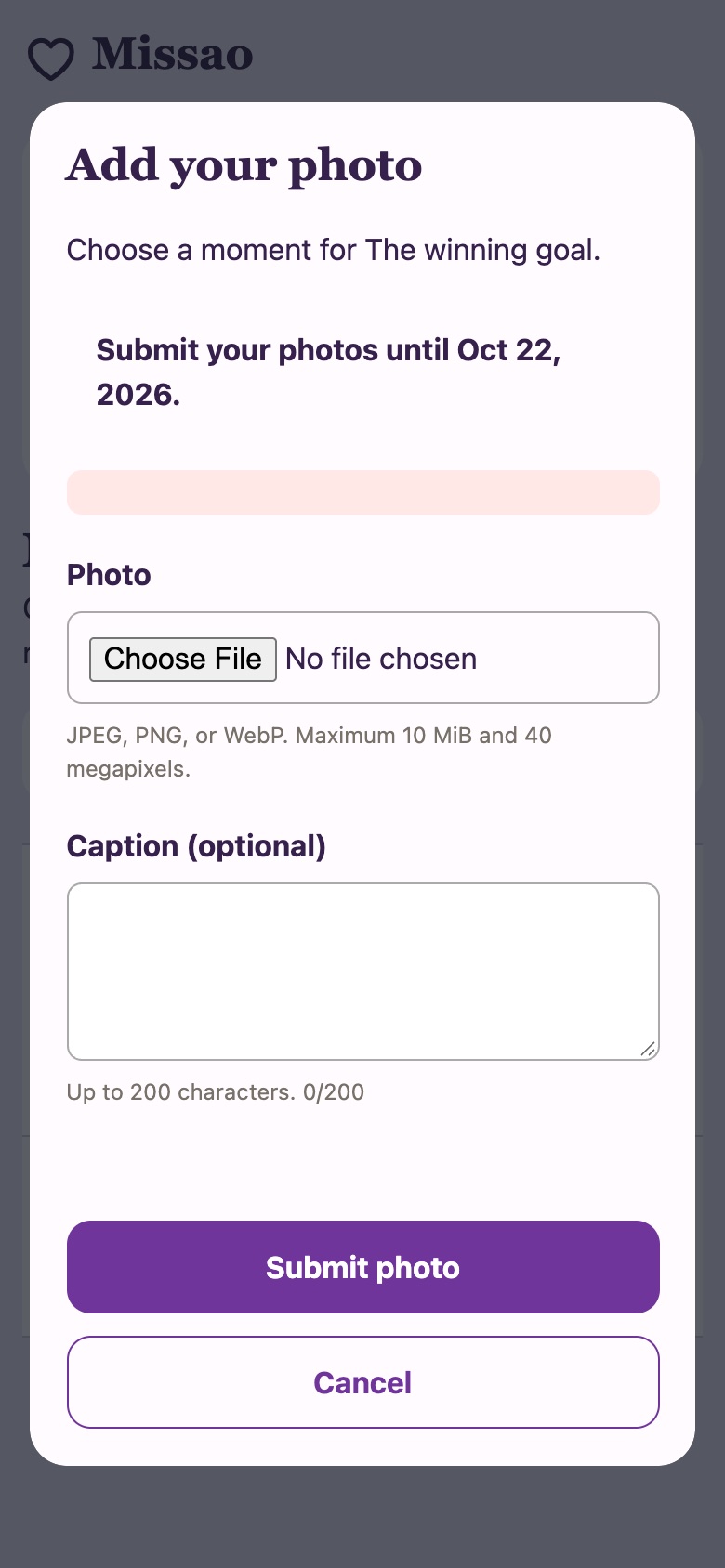
High-energy colour, big type, and missions for goals, group shots and glitter.
Current app screens — organiser workspace, guest flow and themed print — so you can judge the benefit, not a stock photo.
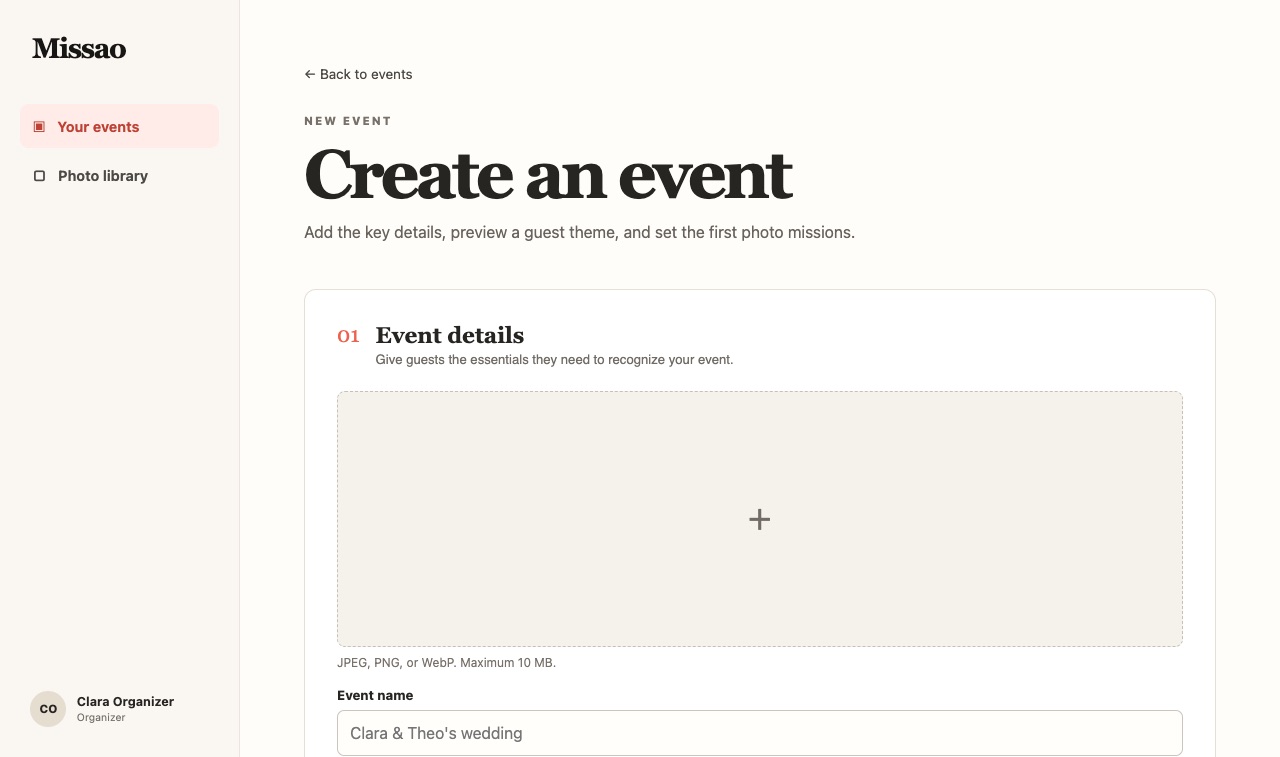
For organisers
Create the event, choose its theme and write ordered missions with prompts and reference photos — so guests know exactly what to look for.
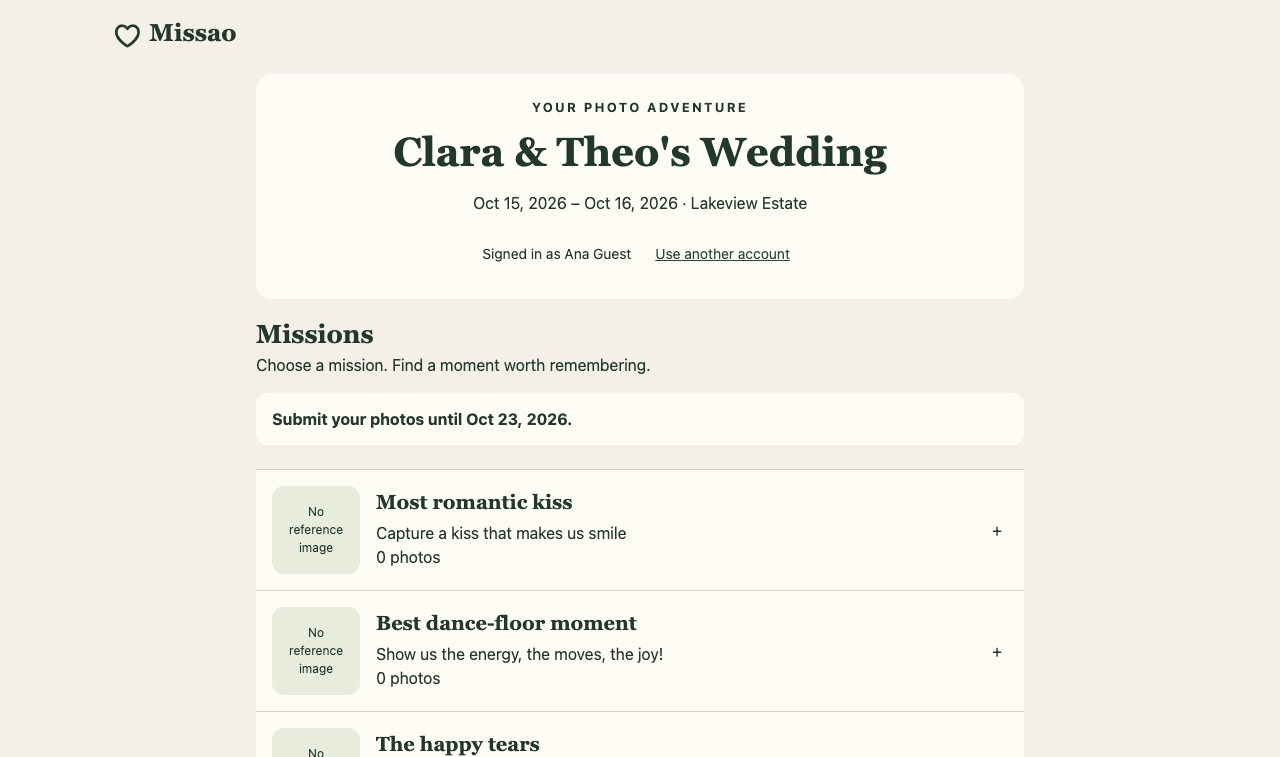
For guests
Themed welcome, sign in, mission list, camera, done. Guests see their completion state and can add up to three photos per mission.
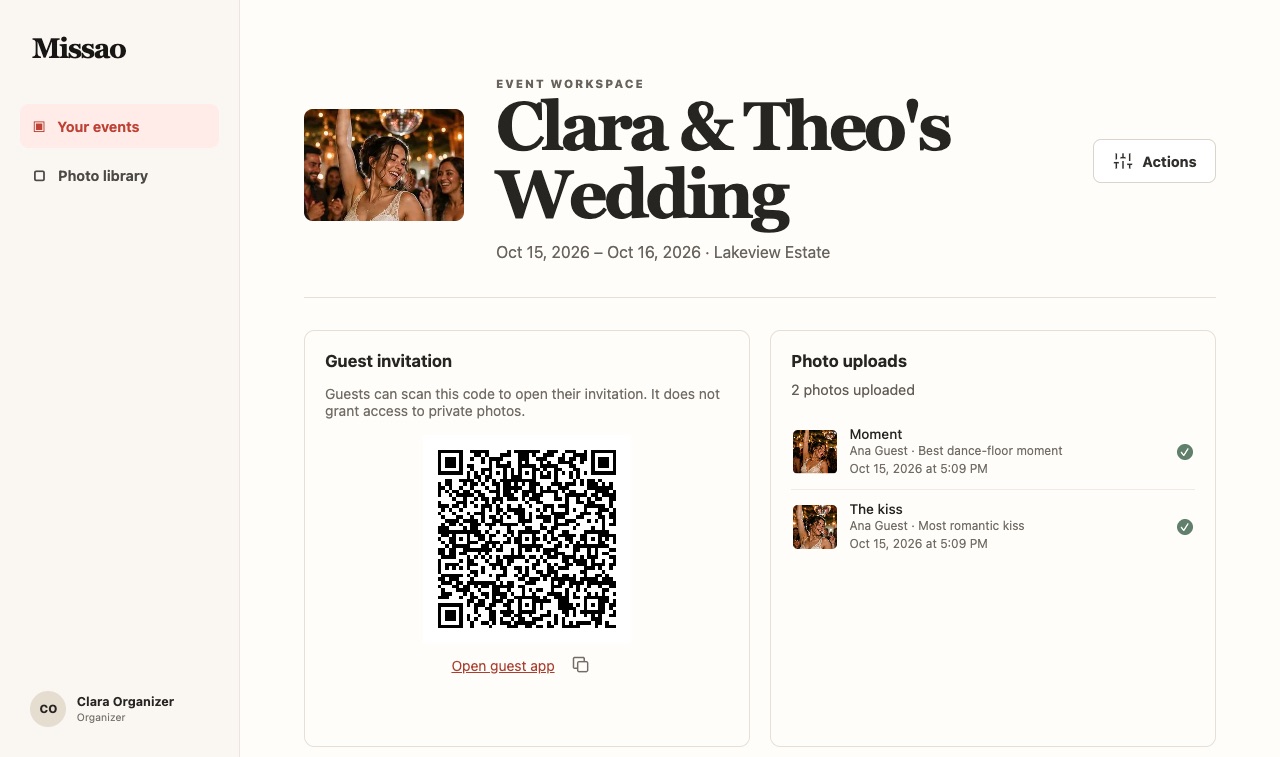
The payoff
Browse uploads by mission, watch recent photos arrive, crown one winner per mission, and export the winners album.
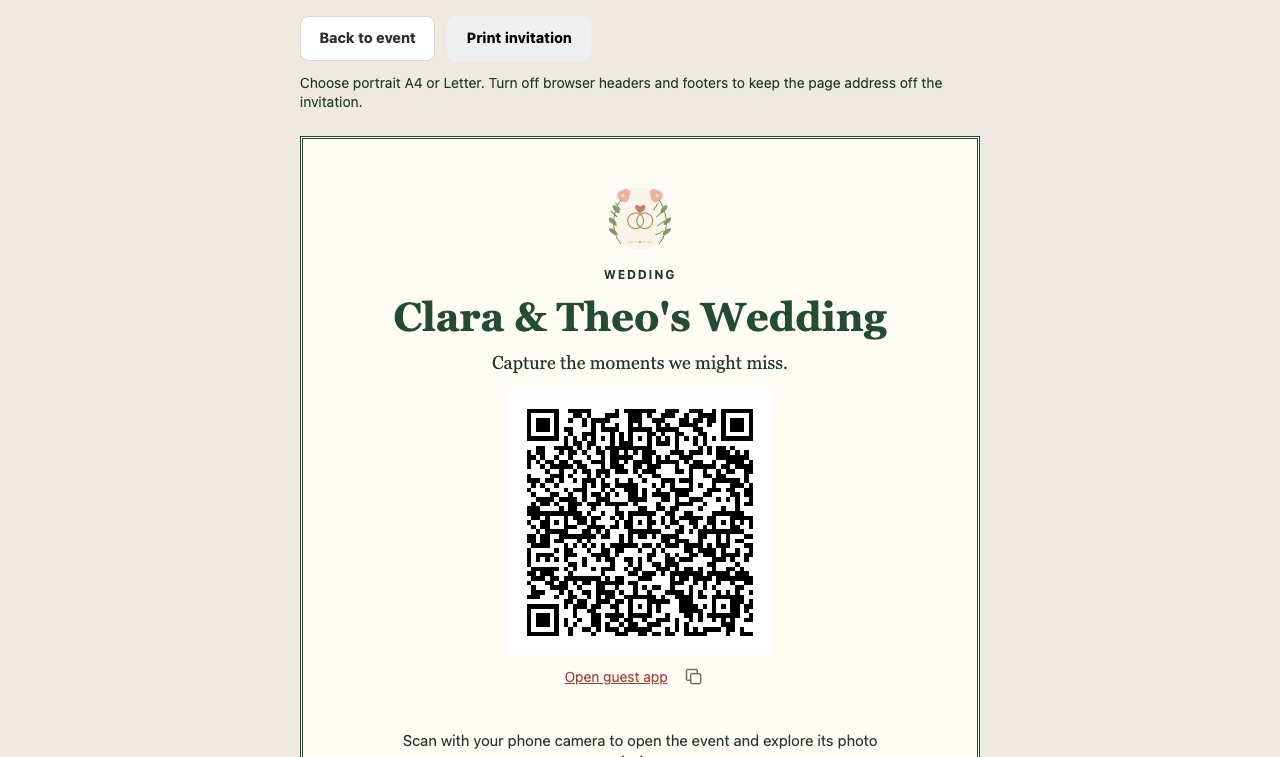
Print it
Print the themed sheet for tables or the welcome desk. One scan puts the mission list in every guest's pocket.
No group-chat chaos, no “send me that photo?” afterwards.
No app-store install. Guests open the QR link in their phone browser, create a Missao account or sign in, and join the event. Missao is a mobile-friendly PWA.
Weddings and anniversaries, birthdays, parties and sport events — anywhere the best photos are spread across everyone's phones.
Up to three photos per mission, one file at a time (JPEG, PNG or WebP), with an optional caption.
Photos belong to the event. The organiser reviews them by mission in a private workspace; an invitation link alone never exposes private photos.
Create your event, write your first missions, and print the QR sheet today. Your guests do the rest.